
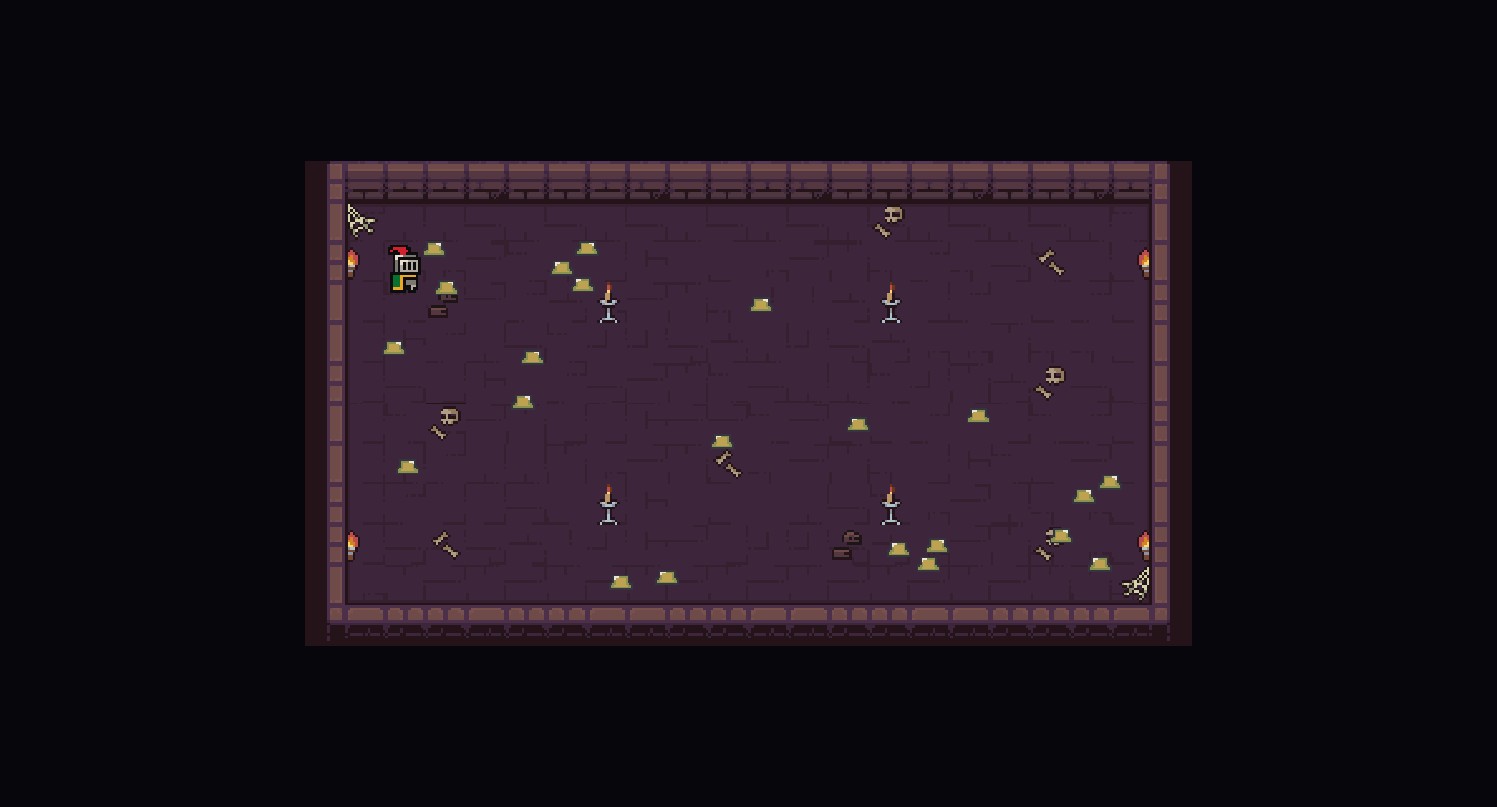
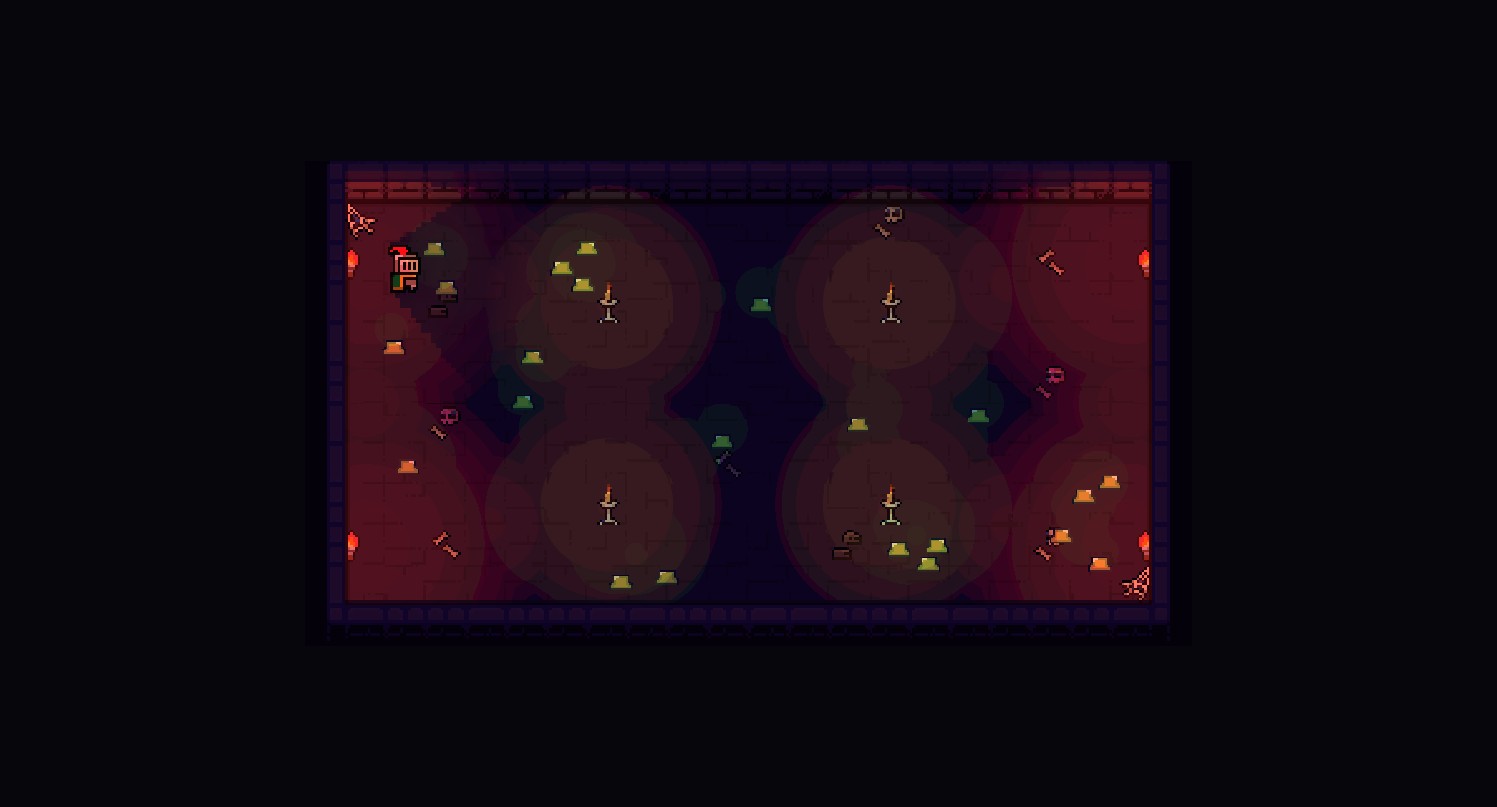
three-flatland provides a complete 2D lighting system. Add Light2D instances as light sources, choose a LightEffect preset to control how lights affect sprites, and all sprites receive lighting by default.
You don’t need to understand Forward+, SDF tracing, or per-tile slot allocation to make a torch work — drop a DefaultLightEffect in, add a Light2D, your sprite gets lit. This page is the mental model: how lights reach the GPU, why dense scenes have a slot budget, and where shadows fit. For the step-by-step setup, the Light2D field reference, and the quota-tuning knobs, see the Lighting guide.
How it works
Section titled “How it works”- Light2D — scene graph objects that define light sources (point, spot, directional, ambient)
- LightEffect — a shader pipeline that reads all lights and produces per-fragment lighting
- Sprites — all sprites receive lighting by default when a LightEffect is active (set
lit: falseto opt out)
Flatland manages the lifecycle: it collects lights, syncs them to a GPU texture each frame, and applies the active LightEffect to all lit sprites.
DefaultLightEffect, the recommended preset, runs Forward+ tiled lighting: the screen is divided into tiles, each tile culls the lights that can’t reach it, and the fragment shader iterates only the survivors. The per-fragment cost scales with lights per tile, not lights in the scene — a room with 200 lights costs the same per fragment as a room with 16, as long as no single tile is oversubscribed.
Tiled lighting and the slot budget
Section titled “Tiled lighting and the slot budget”Forward+ gives each tile at most MAX_LIGHTS_PER_TILE (default 16) light slots. In a sparsely lit room that ceiling is invisible — every torch fits in every tile and ranking doesn’t matter. Pack the same room with 1000 glowing slimes and the picture changes: the tile budget becomes the bottleneck, and a misallocation will visibly push hero torches out of slots, dropping rooms into darkness despite the physical light still being present. The natural failure mode is a checkerboard of dark tiles where cosmetic fills won the slots and lit tiles where they didn’t.
Three Light2D fields tame this together. They do nothing in small scenes; they make dense scenes readable:
- Split lights into heroes and fills (
castsShadow). Heroes claim slots in a pass that runs before fills are considered, so a torch can never be evicted by a slime aura. Fills also skip the per-light SDF shadow trace — the dominant per-light GPU cost — so flipping cosmetic lights to fills is usually the biggest perf win available. - Bias the rank score for the lights that matter (
importance). A multiplicative weight on the tile-rank score, so a key light wins slots against a cluster of equal-distance fills. It never touches the illuminance math; a light looks identical once it holds a slot. - Bucket fills by category for independent per-tile quotas (
category). Tagging slime auras as one bucket and water shimmer as another stops 200 slimes in one tile from crowding out the shimmer next to them. Each bucket gets its own slot quota.
The mechanism is worth understanding because the failure mode is visual and the fix is a field, not a redesign. The fields themselves, their defaults, and the quota-tuning API live in the Lighting guide.
Shadows
Section titled “Shadows”Hero lights (castsShadow: true) trace shadows against a signed-distance field built from occluder sprites. The SDF is a screen-space field the fragment shader sphere-traces toward each light — a single field serves every hero light, so the occlusion cost is shared rather than per-light-per-occluder. Fills opt out of the trace entirely.
For the occlusion pipeline, occluder setup, and the per-light tracing math, see Shadows.
Normal-based diffuse shading
Section titled “Normal-based diffuse shading”DefaultLightEffect reads a per-fragment normal when one is available, giving sprites directional diffuse response instead of flat illumination. Normals come from a baked normal-map atlas attached via NormalMapProvider; without one, surfaces are treated as flat (facing the camera) and lighting still works. The atlas’s blue channel encodes elevation, which the effect consumes for elevation-aware shading.
The provider setup and the baked-vs-runtime normal pipeline are covered in the Lighting guide.
Custom LightEffect
Section titled “Custom LightEffect”The presets are built on the same public factory you can use to author your own lighting pipeline. createLightEffect takes a schema (runtime-settable uniforms) and a light builder that returns a TSL shader graph:
import { createLightEffect } from 'three-flatland'
const MyLighting = createLightEffect({  name: 'myLighting',  schema: {    ambient: 0.1,      // Uniform: runtime-settable  },  light: ({ uniforms, lightStore }) => {    // Build TSL shader graph once — uniforms close over nodes    return (ctx) => {      // ctx.color, ctx.worldPosition, ctx.atlasUV available      // lightStore.readLightData(i) reads per-light data      // Return Node<'vec4'> with final lit color    }  },})
The shader graph is built once and the uniforms close over its nodes, so runtime updates are plain uniform writes with no recompilation. See the preset source code for complete examples.
Performance
Section titled “Performance”The tiled architecture is what makes the lighting scale, and a few habits keep it cheap:
DefaultLightEffectis the canonical preset; its per-tile culling keeps the per-fragment cost flat as the scene grows. Lighter-weight and global-illumination variants are tracked in a follow-up PR.- Cosmetic lights belong as fills (
castsShadow: false) — they skip the SDF trace and only compete inside their category quota. - Ambient light gives base illumination for one uniform add; reach for it before scattering many dim point lights.
- Toggle
light.enabledrather than adding and removing lights; a disabled light is culled before the per-tile upload. - Set
lit: falseon sprites that never need lighting (UI, light indicators) so they skip the effect entirely.
Next steps
Section titled “Next steps”- Lighting guide — Setup,
Light2Dtypes, presets, animation, and quota tuning - Lighting Example — Interactive demo with draggable lights
- Shadows — How the SDF occlusion pass and per-light tracing fit together
- Pass Effects — Post-processing, plus the full
DefaultLightEffectschema - TSL Nodes — Per-sprite shader effects